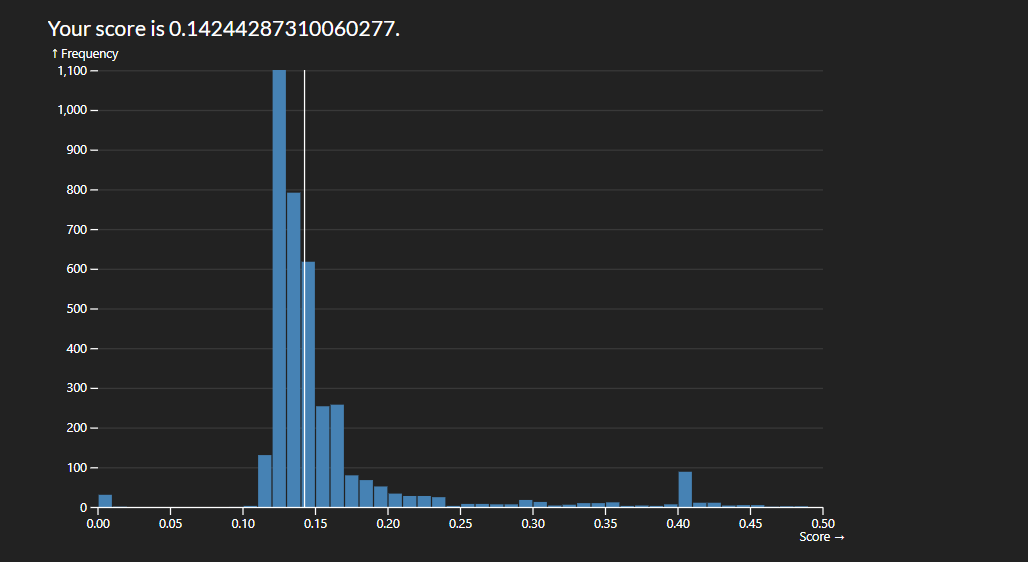
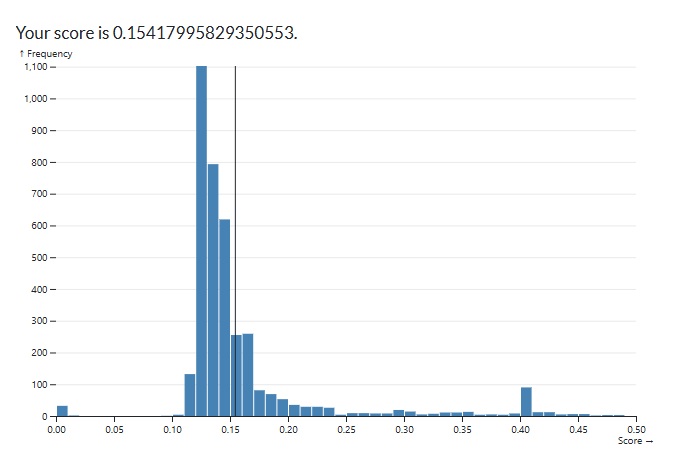
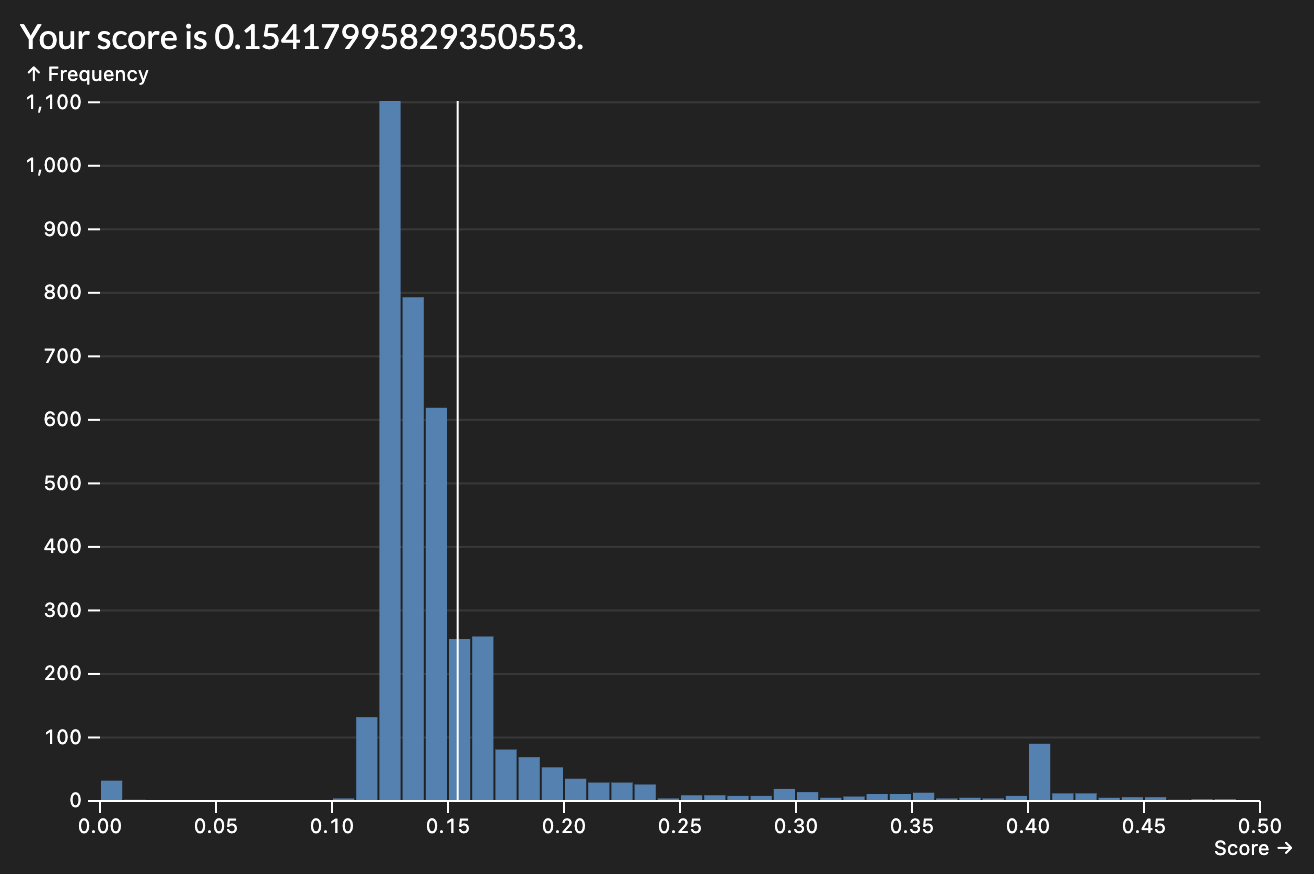
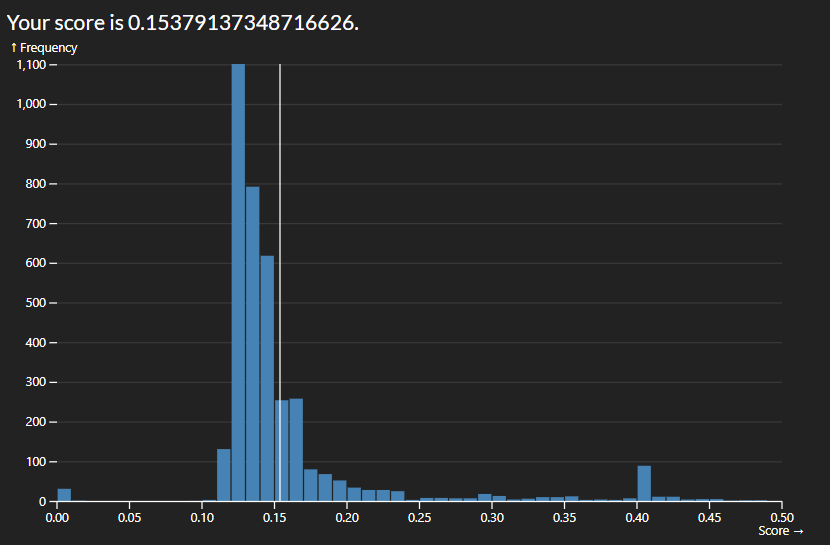
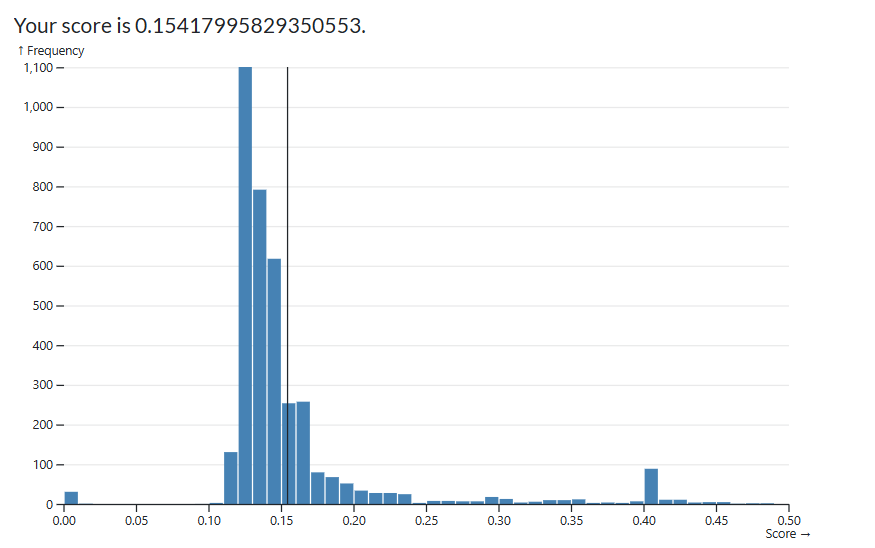
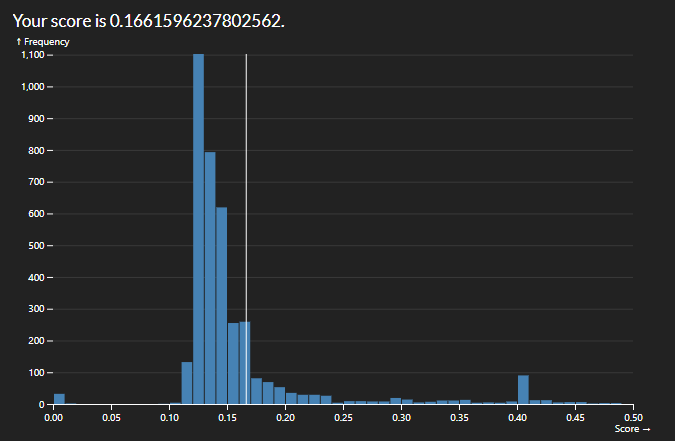
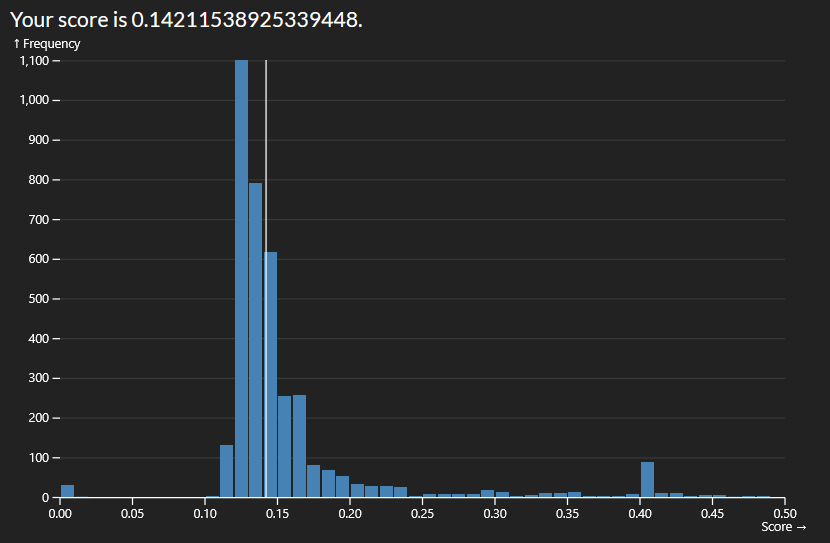
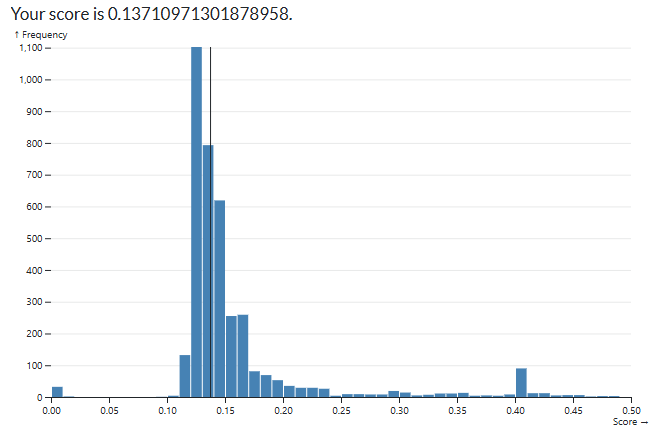
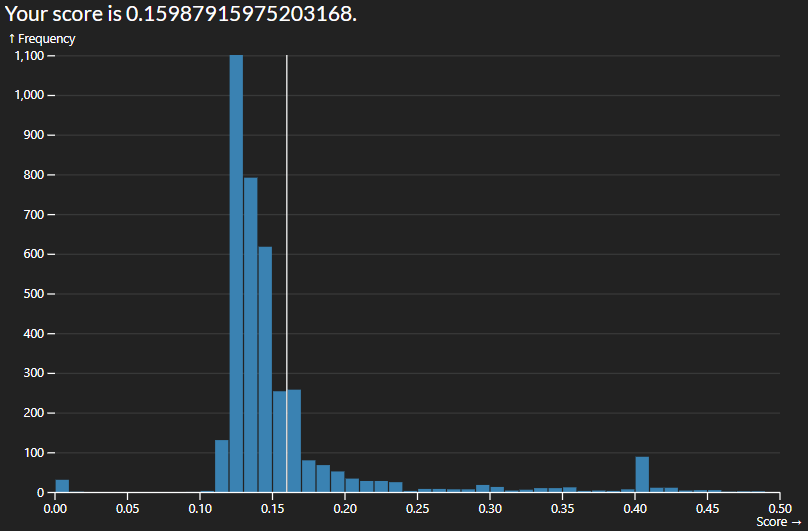
The easiest way to start improving the score was by adding more variables to consider in our regression. I started with numeric which made a massive improvement but limited me to a score roughly of 0.1475. By adding nominal variables I was able to reduce it to roughly 0.1425
numeric_variables = [ 'GrLivArea', 'OverallQual', 'YearBuilt', 'OverallCond',
                      'GarageCars', 'BsmtFullBath', 'Fireplaces',
                      'TotalBsmtSF', 'YearRemodAdd', 'TotRmsAbvGrd',
                      'FullBath', 'ScreenPorch', 'LotArea', 'WoodDeckSF',
                      'BsmtFinSF1', 'MSSubClass', 'PoolArea', 'YrSold', 'MiscVal',
                      ]
nominal_variables = ['Neighborhood', 'BldgType', 'RoofMatl', 'HouseStyle', 'Foundation', 'SaleCondition',]
The next big jump I was able to do was by adding more quality variables. The initial code would not allow for this due to the shape of the array so I had to map the quality order to each index in the array and encoding them to quality order. This got me down to 0.1356.
qual_variables = ['KitchenQual', 'ExterQual', 'BsmtQual', 'HeatingQC', 'ExterCond', 'BsmtCond']

qual_encoder = OrdinalEncoder(categories=[quality_order] * len(qual_variables))
Finally, due to the increase in variables it did turn out to be useful to use RidgeCV so I uncommented:
regress = RidgeCV(
    alphas=np.logspace(-1, 1, 100)
  )
and
regress.alpha_
I'm pretty sure there is a better way to narrow down the noise by consolidating similar attributes such as total square footage instead of each sqft attribute individually but I couldn't get that to work properly. There also might be some logspace values that could possibly help in the RidgeCV but that also didn't work out for me
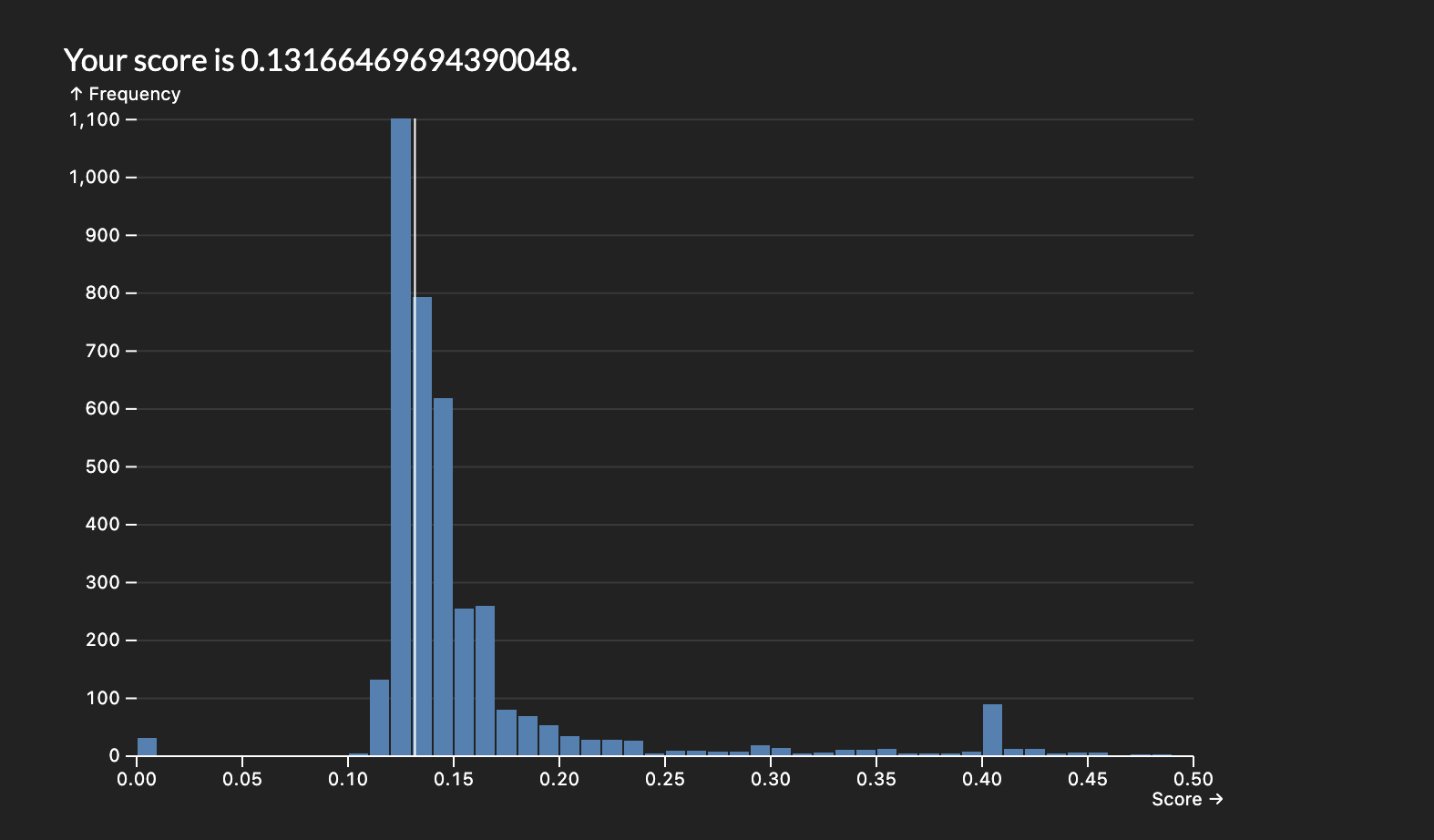
Final score: 0.13166469694390048
Lab01_MML.csv (19.8 KB)